
From the most basic home use to the largest corporate operations, data privacy remains a top concern for everyone using Internet resources.
The basics of the data privacy program were one of the most recent Webinar Wednesdays hosted by the South Carolina Department of Consumer Affairs (SCDCA).
A local expert weighs in on some steps we can take to stay safe.
SCDCA cautioned all online activity generates a trail of personal data, and it is not possible to control how each byte is processed and used.
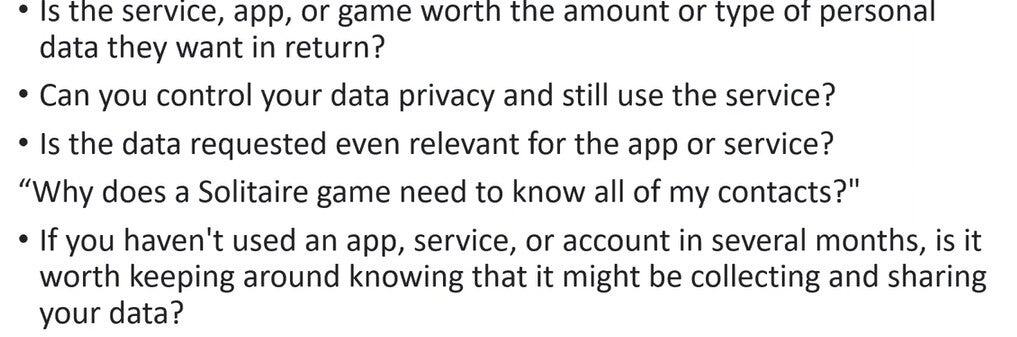
“That’s going to include things like your computer, your phone, gaming platforms, just kind of any device that you’re using that’s connected to the internet,” explained Scott Cooke, SCDCA Communications Director. “We want to show you a few simple steps to keep in mind and some things to consider whenever you’re looking at whether you want to share your data with a company or not.”
The first step is to decide what information to provide and what to restrict. Some data is generally necessary, such as providing a name and email address. The questions to ask then should be why a website or app would need more personal information.
“If you’re downloading a new app or opening up a new online account of some kind, you’re probably giving some kind of access to your personal information, said Cooke. “It may be asking you to allow it to access your photos, maybe asking for permission to allow it, get information on your contacts, your location, all those different things.”
Matthew Jay, Chief Operating Officer at PC Techware (https://pctechware.com/), told ABD that something as seemingly benign as using social media can supply access to personal data.

“We volunteer data and information about ourselves all the time on these platforms, which may not be like a direct data dump from a security breach, but it is information that can be learned, investigated about an individual,” he cautioned, adding it also exposes IP addresses, which are as unique as home addresses.
“One way to control that, or to kind of mislead intentionally, for the sake of your own security, is using something like a VPN tunnel or imitating an IP address that comes from another location,” he said.
Cooke said locking down data privacy begins with the first step in any online activity: creating a strong, unique password.
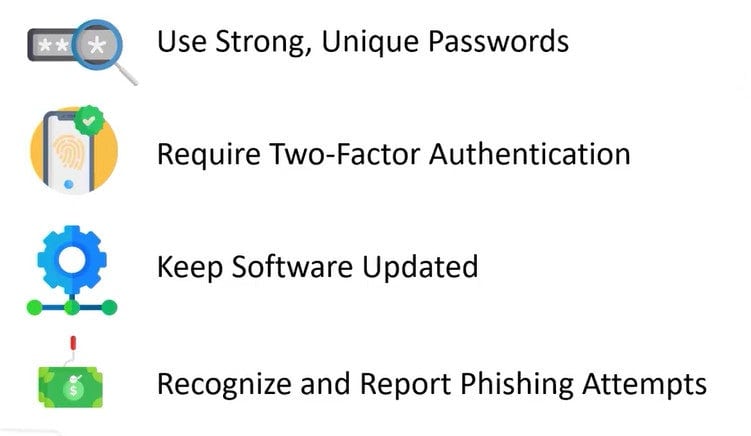
“Then you want to require two-factor authentication. A lot of companies, especially banks, require that now,” he said. “The FBI tells us the biggest thing you can do to kind of double up that security on this password, to set up that two-factor authentication.”
“Making sure that your password is 16 characters or longer, making sure that that password is truly unique to that site,” added Jay. “The reason that is important is because the bad guys know that people often reuse passwords, so that if I learn your password in one breach, I might use that to attempt other accounts imitating you.”
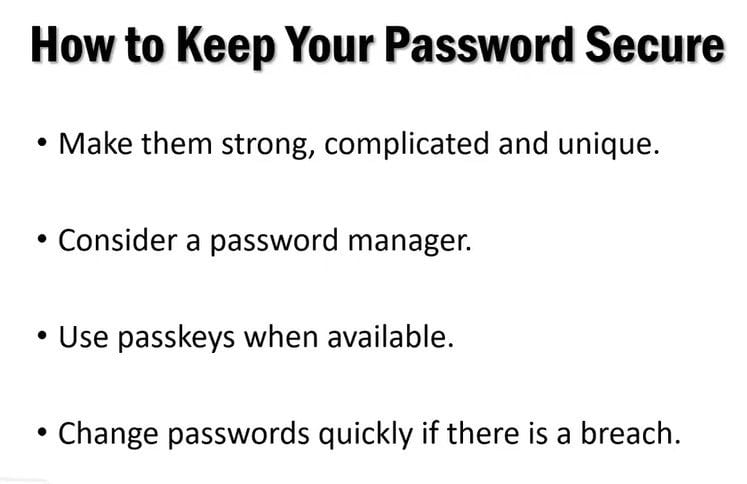
Experts have long recommended using a password manager to keep track of passwords across all devices. While that may seem counterintuitive, Jay said they work.
“If you do migrate to a password manager, you’ve given yourself kind of a leg up, because password managers are password-protected. They have multi-factor authentication on them as well, and then the data inside those records is also encrypted,” he said. “Password managers are a very reliable way to manage passwords.”
Growing in popularity is the use of biometrics, such as fingerprints and facial recognition, to access accounts. Jay said they are solid, stable, and hard to duplicate or imitate.
“Because that requires a physical engagement on a device directly. Typically, when we protect our clients’ information and data, we’re going to ensure that a user is authenticated on a very specific device, that device must have a certain piece of software installed on it, an authenticated user, plus a verified and trusted device from an IP address we know,” he said.
More information on data privacy and the upcoming webinar on Wednesdays, is at https://consumer.sc.gov/