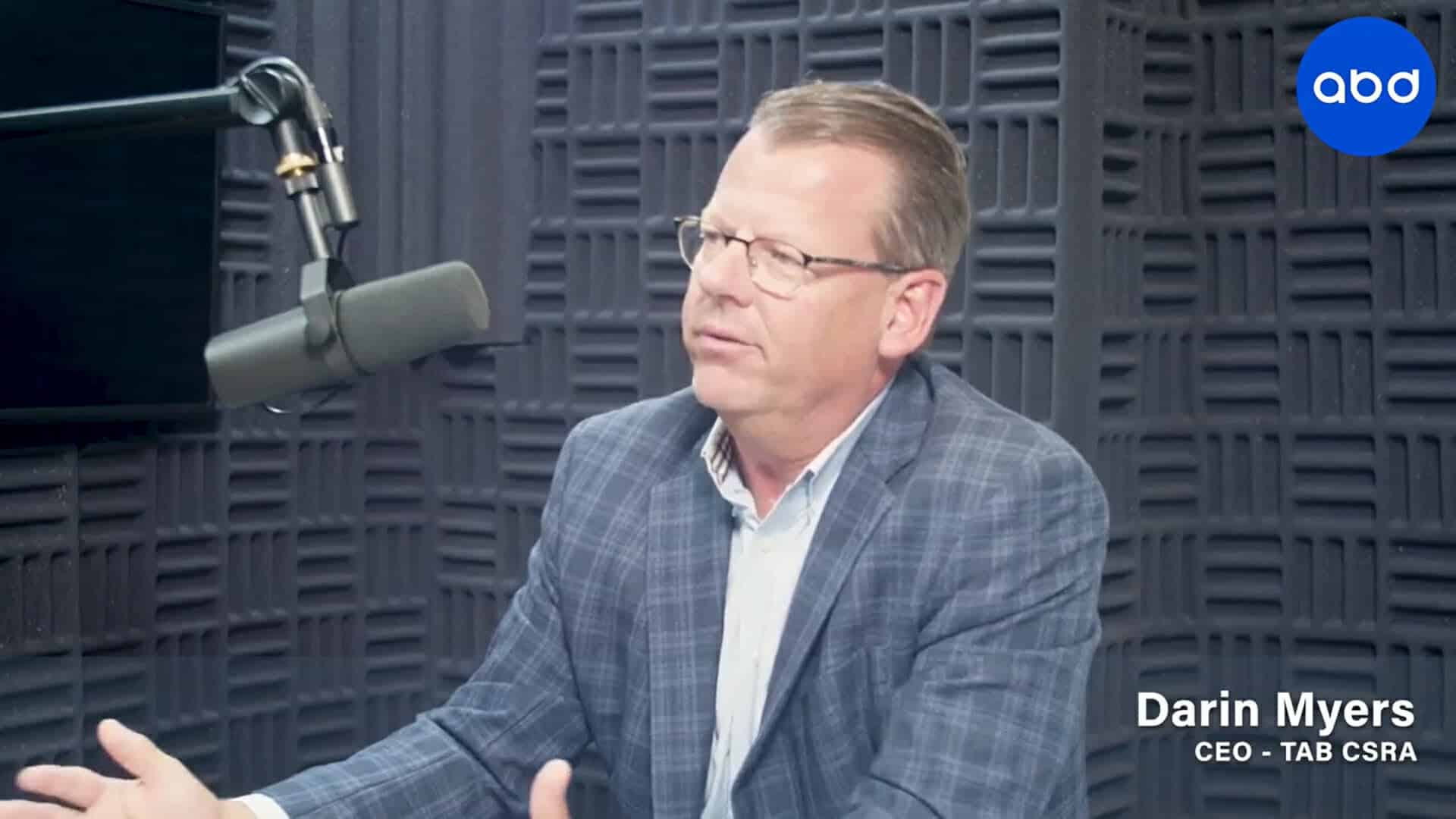
Darin Myers
Free Access: LinkedIn profile mistakes and how to fix them
Darin Myers is the local facilitator of The Alternative Board (TAB), a peer-to-peer advisory board designed to help company leaders maximize their opportunities and work through challenges. Darin recently retired after a 30-year career in the nuclear industry as the leader of Plant Vogtle I and II. He has proven success in strategic planning and alignment, employee development, organizational performance improvement, accountability, and coaching. Recently, he started a family business in Augusta focused on home health care, providing him the knowledge and experience surrounding small- to medium-sized business operators. Every